Hinge Top Photo: How It Works & When to Turn It Off
Should Hinge Top Photo be on or off? Learn how it chooses your first photo, why the order can change, and how to switch the feature in your profile.
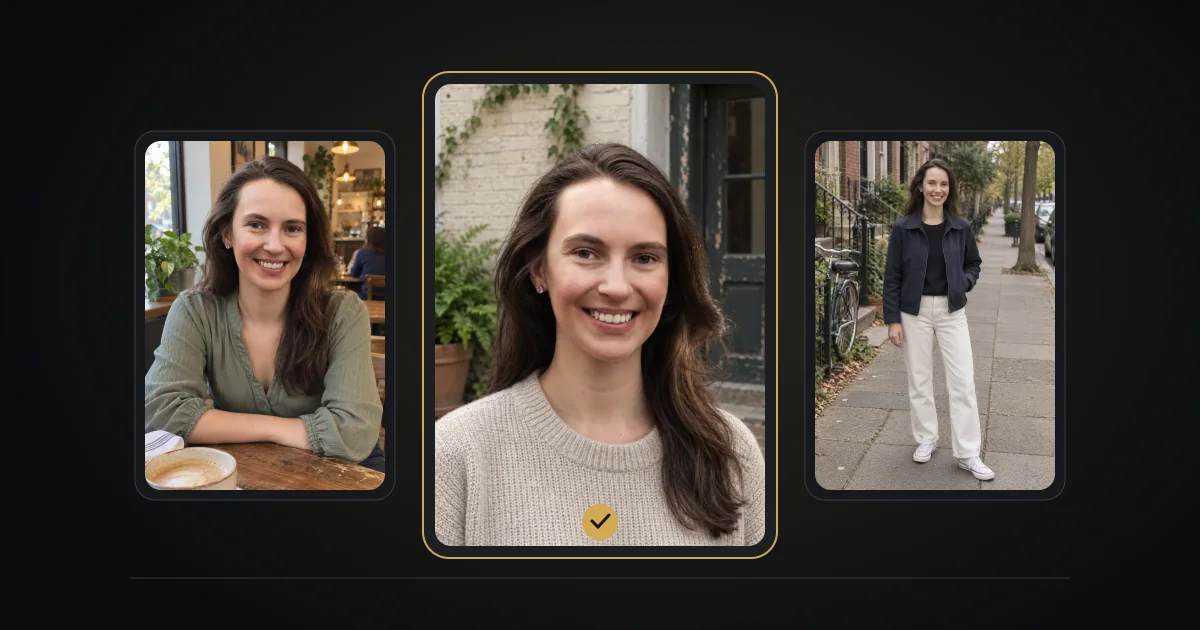
Hinge Top Photo chooses which of your uploaded photos appears first when the feature is enabled. Hinge says it uses a machine-learning model to predict which photo is most likely to receive a Like. You can turn it off in the profile editor if you want to choose the first photo yourself.
Source: Hinge / Top Photo.
How Top Photo works
Top Photo works with photos you have added to your profile; it does not create new images. Your public photo order can differ from the order you see while editing. Hinge does not publish exact ranking weights, a required number of impressions, or a guaranteed increase in matches.
How to turn Top Photo on or off
Open your photo icon, tap the pencil to edit the profile, and find the Top Photo toggle. Purple means on; gray means off. On iOS, tap Done to save the change. On Android, Hinge says the toggle change saves automatically.
Should Top Photo be on or off?
Try it on if you are comfortable letting Hinge choose the first image. Turn it off if you want a specific portrait to lead or a deliberate gallery order. This is a preference about presentation, not a proven rule for getting more matches.
Why did my first photo change?
Check whether Top Photo is enabled and compare the public view with your editor. The feature can reorder the gallery, and Hinge says it continues testing while your account is paused. We cannot diagnose a change from private algorithm scores.
Make every possible lead photo clear
Remove images you would not want shown first. Use recent photos where you are recognizable, check the crop, and avoid duplicates. Top Photo cannot turn a confusing group shot or a blurred image into a clear portrait.
Ready to put the photos and answers together? Explore the Hinge Profile Kit: photo generation and help with prompt answers. Review every image for an accurate likeness before using it.