Best Hinge Photos: Ideas, Order & Profile Checklist
Choose better Hinge photos with a clear portrait, varied activities, and an order that tells your story. See practical examples and a profile checklist.
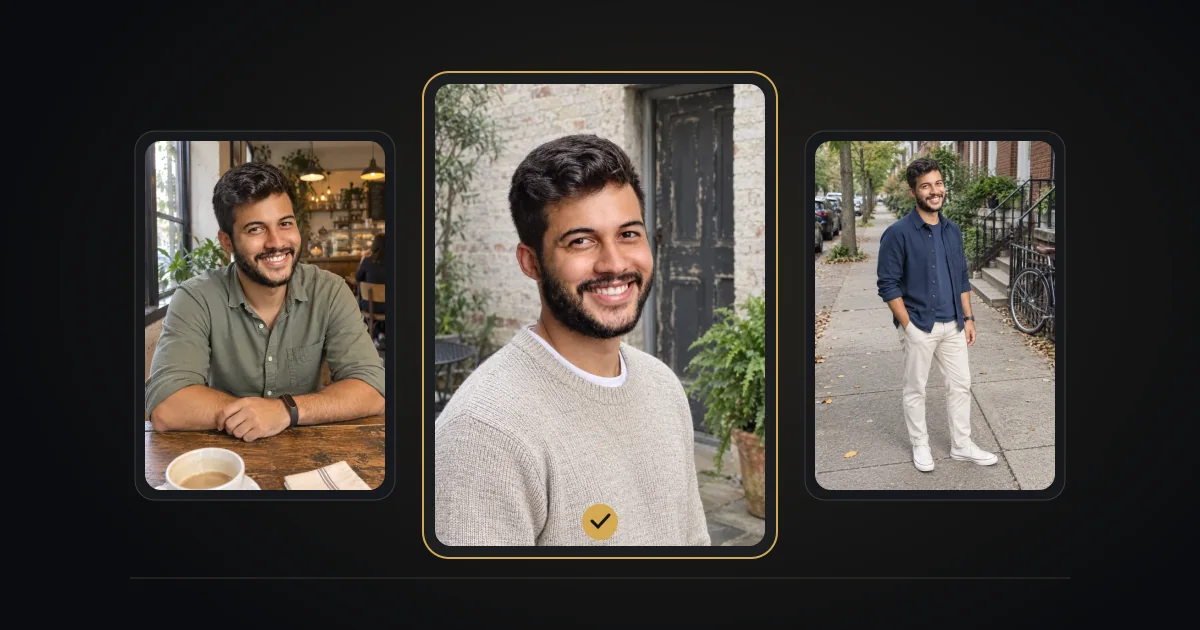
The best Hinge photos show your face clearly and offer different glimpses of your real life: a portrait, a full-body view, an activity, and a candid moment. Hinge requires four to six photos depending on location, plus three prompt answers. Follow the requirements in your app.
Source: Hinge Help.
A varied photo set you can adapt
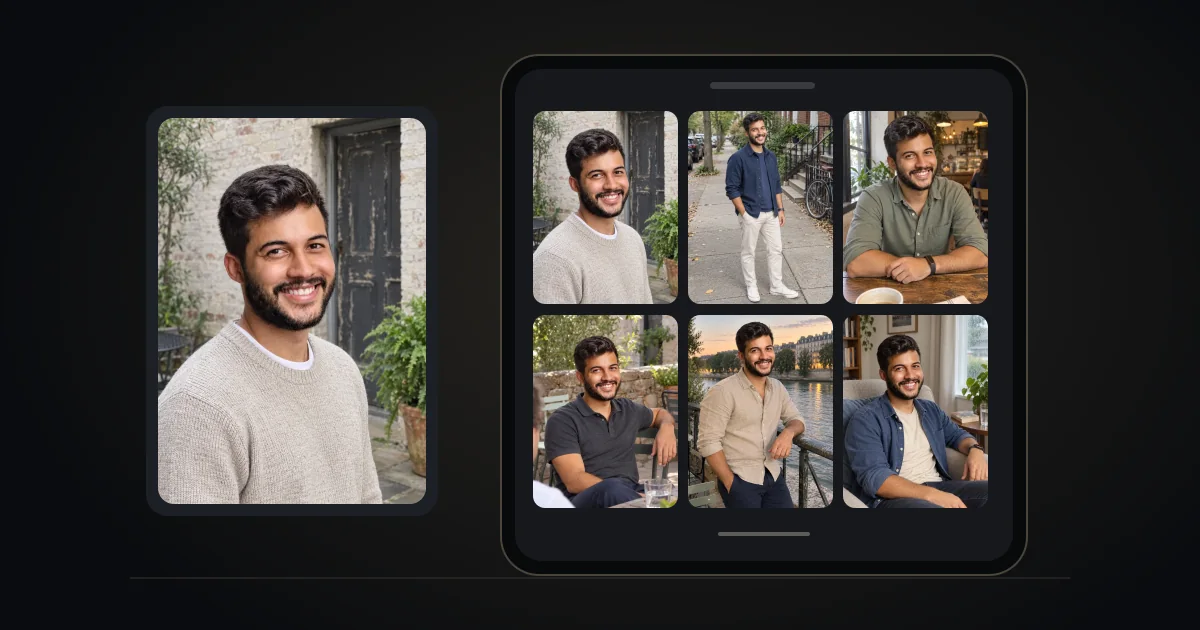
Use these roles to choose distinct images rather than filling slots with near-duplicates. You do not need a holiday, a pet, or a particular hobby to make a good profile. Adapt the plan to the four to six photos your app requires.
| Photo role | What to look for |
|---|---|
| Portrait | Your face is clear; the lighting is soft; you are easy to identify. |
| Full-body view | A recent photo in clothes and a setting you actually use. |
| Activity | Cooking, a walk, a project, or another interest you genuinely enjoy. |
| Social moment | An optional small group with consenting adults; you remain obvious. |
| Different setting | A second everyday location, with another expression or outfit. |
| Personality | A candid or specific detail someone could ask you about. |
Choose your first photo deliberately
Use a solo image where someone can immediately tell which person you are. A friend-taken phone portrait can work well; an expensive shoot is not required. If Top Photo is enabled, Hinge may reorder your photos. Turn it off if you want to keep the first image under your own control.
What photos should you use on Hinge? An example six-photo lineup
If you are staring at an empty grid, use this lineup as a starting point. Each slot has a different job, so someone learns something new with every photo. Swap any idea for something that is true for you.
| Slot | Photo | Example |
|---|---|---|
| 1 | Solo portrait, face clearly visible | Head and shoulders by a window or in open shade, no sunglasses |
| 2 | Full-body photo | Walking in your neighbourhood or standing at an event, in clothes you really wear |
| 3 | Something you do | Cooking, climbing, playing an instrument, working on a project |
| 4 | Social moment | A small group where you are easy to spot, with friends who agreed to be shown |
| 5 | Different setting or outfit | A dressier evening photo if photo 1 is casual, or the other way round |
| 6 | Conversation starter | A candid laugh, your pet, a dish you made, a place with a story |
Hinge asks for four to six photos depending on where you live, so if you only need four, keep slots 1 to 4. For sizes and cropping, see Hinge photo size and crop.
Hinge photo prompts: what they are and how to use them
Hinge lets you attach a prompt to a photo instead of a written answer. According to Hinge Help, you open your profile, tap the pencil icon, tap one of your photos and choose Select a Prompt. Photo prompts are optional. They sit alongside your three written prompt answers, one optional Video Prompt and one optional Prompt Poll.
- Pair a prompt with what the photo already shows. A hiking photo with “Typical Sunday” explains itself; the same prompt on a bar selfie raises questions.
- Use it on the photo people would ask about anyway: the dish you cooked, the race you finished, the dog you are holding.
- Do not caption every photo. One or two photo prompts add context; six turn the profile into homework.
- Keep the first photo simple. It still has to show clearly who you are.
For more pairings, read how to match a photo to a prompt and our Hinge video prompt guide.
Check sharpness and crop before saving
Start with the original photo, not a screenshot or a repeatedly compressed copy. Preview the crop in Hinge and then view the saved profile. Keep your face visible and avoid filters that change your appearance. A JPEG copy can help with compatibility, but it is not a verified universal Hinge requirement.
Make the photos and prompts tell the same story
Write three answers with different jobs: one everyday detail, one value, and one invitation to talk. If a photo shows cooking, name a dish you like making rather than saying only “I love food.” If your prompt mentions weekends outdoors, a real walking photo gives that sentence context.
Review your profile without guessing the algorithm
Ask a friend whether the first photo looks like you today and whether the answers sound natural. Change one element at a time if you want to compare responses. Your audience and activity also change, so a few likes cannot prove that a particular photo caused an improvement.
Photos to cut first
- Group photos where nobody can tell which person you are, especially as photo 1.
- Sunglasses, hats or heavy shadows in most of your photos.
- Several photos from the same day in the same outfit.
- Old photos that no longer look like you, and filters that change your face.
- Screenshots, blurry zoom-ins and photos with someone cropped out.
- Photos that reveal your address, number plate, work badge or children who are not yours to share.
Not sure? Ask a friend which photo they would remove first, then remove it. A smaller set of clear photos reads better than a full grid padded with weak ones.
Using generated photos thoughtfully
Generated images are photo options to review, not evidence of places you visited or achievements you earned. Keep your real appearance and follow the app’s current rules. Use the real capture requested by any identity or selfie check. No match increase or platform approval is promised here.
Ready to put the photos and answers together? Explore the Hinge Profile Kit: photo generation and help with prompt answers. Review every image for an accurate likeness before using it.
Choose your next step
Want examples for your own profile? See our best Hinge photos for women and these Hinge profile examples for men.