Hinge Video Prompts: Ideas, Recording & Upload Tips
How do Hinge video prompts work? Learn where to record, how to check length and format in your app, and what to say in a short, natural clip.

Hinge Video Prompts let you answer a prompt with a recorded clip. Open the profile editor and select the Video Prompt option shown in your app. Check the recording timer and preview rather than assuming the length, aspect ratio, or upload limits are identical across all video features.
Three Video Prompt scripts to adapt
- A hobby: “This is the bread recipe I’m still trying to get right.” Show one real detail.
- A small opinion: “My ideal Sunday starts with a walk and ends with dumplings.” Explain a preference in one sentence.
- An invitation: “Pick our first coffee order: something classic or something new?” Leave an easy question to answer.
Adapt these ideas to a prompt available in your app and to your own life. Record one complete idea, keep the camera steady and check the saved clip with sound.
Source: Hinge Help / Video Prompts.
How to record a Hinge Video Prompt
Hinge’s help instructions describe opening the profile editor, choosing a Video Prompt, selecting an answer prompt, and recording in the app. Follow the controls and timer you actually see. A video uploaded to the photo gallery is a different workflow.
What to say: three simple ideas
Introduce an interest in one sentence: “This is the bread recipe I’m still trying to get right.” Demonstrate a real small skill, such as a short guitar phrase. Or explain an everyday preference: “My ideal Sunday starts with a walk and ends with dumplings.” Adapt every detail to yourself.
How long should the clip be?
Keep one complete idea and cut any empty introduction. Six to twelve seconds is a useful starting point for a simple moment, not an official optimum. A historical vendor case study documents 30-second profile videos; it does not establish the limit of every current Video Prompt.
Check quality, sound, and framing
Use soft light, clean the lens, hold the phone steady, and choose a quiet place. Keep your face or activity visible in the preview. Test the saved result with sound on and off. Use the current app’s format rather than assuming a universal 9:16 requirement or a file-size cap.
Use video to add something new
Let the clip show movement or a real mannerism that a photo cannot. Keep your written answers specific as well. We have no verified evidence for a fixed increase in likes or conversations from adding a video, so judge whether it makes your profile clearer.
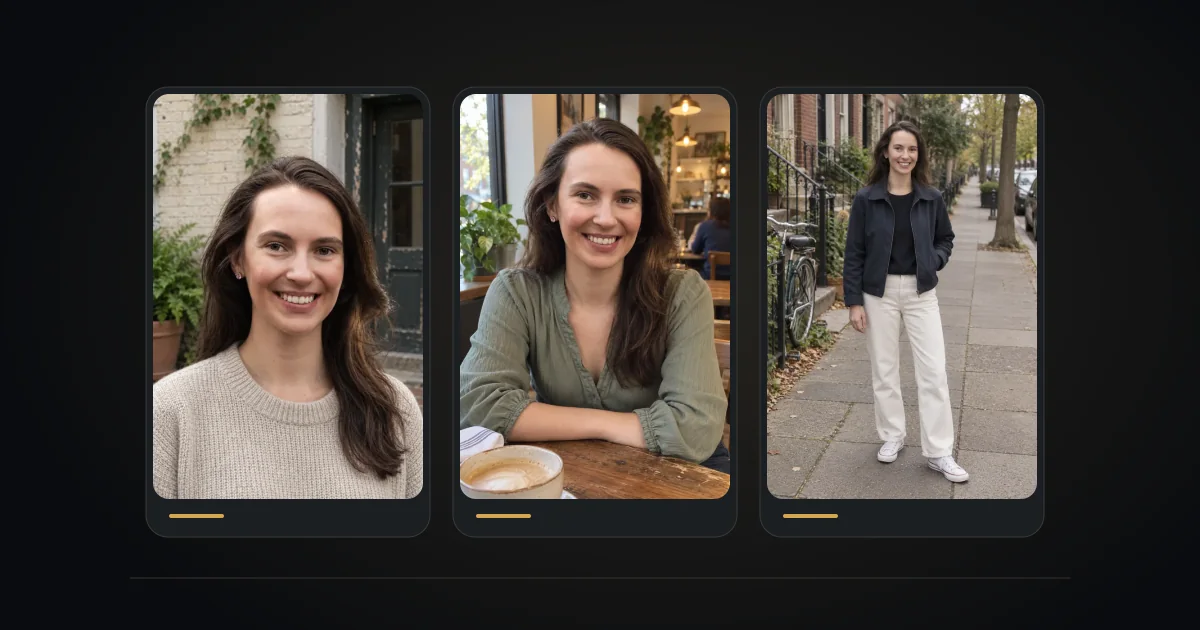
Ready to put the photos and answers together? Explore the Hinge Profile Kit: photo generation and help with prompt answers. Review every image for an accurate likeness before using it.